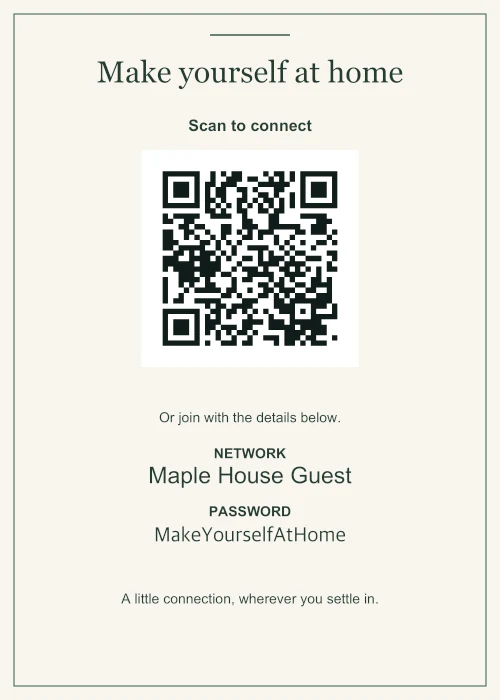
Home 5 × 7 in · Linen
A little welcome at home
A framed guest network for the hallway or spare room.
Made for the way you welcome people
A WiFi sign guests can scan or read.
Create a printable WiFi password sign with a QR code and readable network details. Choose 4 × 6 or 5 × 7 in for a frame, or A4 or US Letter, then download PDF, PNG or SVG.
Free, no account, no watermark.
Your Wi-Fi details are processed on your device.
Ready for paper PDF · PNG · SVG
Made to fit 4 × 6 · 5 × 7 · A4 · Letter
Keep it local No uploaded passwords or logos
Find a sign for your space
Home 5 × 7 in · Linen
A framed guest network for the hallway or spare room.
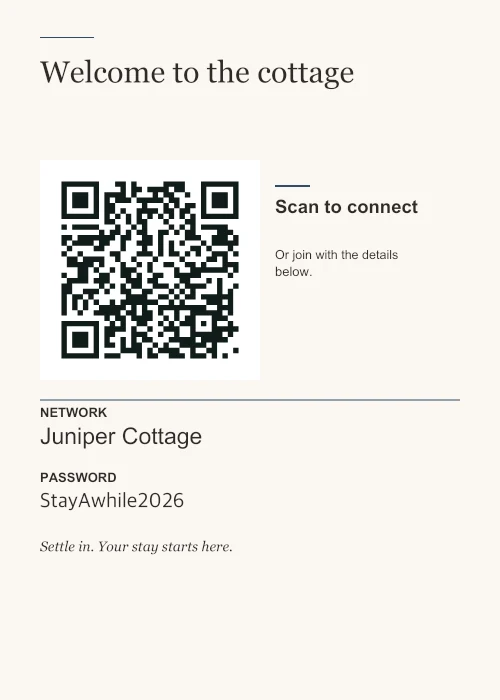
Guest stays 5 × 7 in · Concierge
Keep arrival simple with a clear network name and a manual fallback.
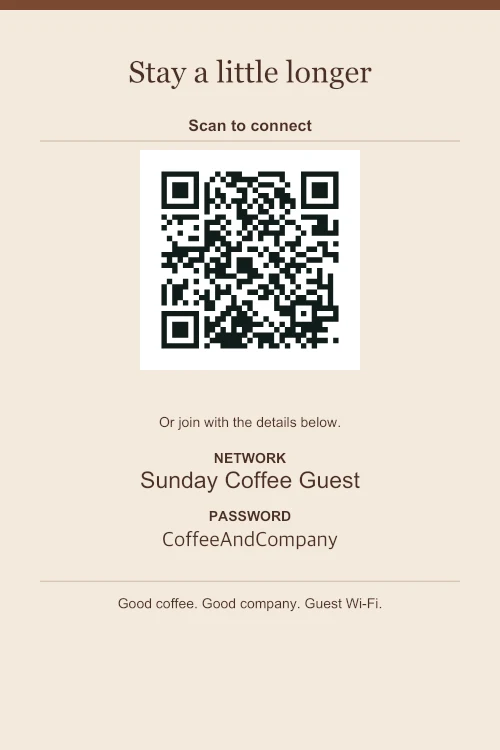
Cafés 4 × 6 in · Coffeehouse
A small tabletop print that leaves room for the coffee.
From network to notice
Start from a blank sign or a fictional example. Nothing is saved to an account, and every design is free.
Compare the six designs ↗Use the name and password from your guest Wi-Fi settings. Supported cameras can read the QR to offer a connection.
Change the design, paper size, accent, title and note. Add a local logo or English, Spanish, French or German labels, including English bilingual options.
Download PDF for a fixed page size. Print at 100% / Actual size and test with your own phone before displaying it.
Choose a spot guests can find, keep a manual fallback, and make a new sign when the password changes.
WiFi signs for rentals ↗For cafésPick a tabletop size and check whether your network uses a password or a browser sign-in page.
WiFi signs for cafés ↗A static QR shares the details you enter. It cannot update a router or bypass a sign-in page.
Read the printing guide ↗Yes. Every design and PDF, PNG or SVG download is free, with no account or watermark. You can also download the QR by itself as SVG.
Supported cameras offer to join the encoded network. Phone and router support vary. Keep the printed name and password as a fallback, and test a print. Enterprise authentication and captive portals are not supported.
You can hide its printed text, but the QR still contains the password. Use a guest network where available. If you change its details, generate a new sign.
The maker processes them locally and keeps them in the current page’s memory. There is no upload or cloud save. See the privacy details for infrastructure information.
Choose a design, replace the details, and print a copy for your space.