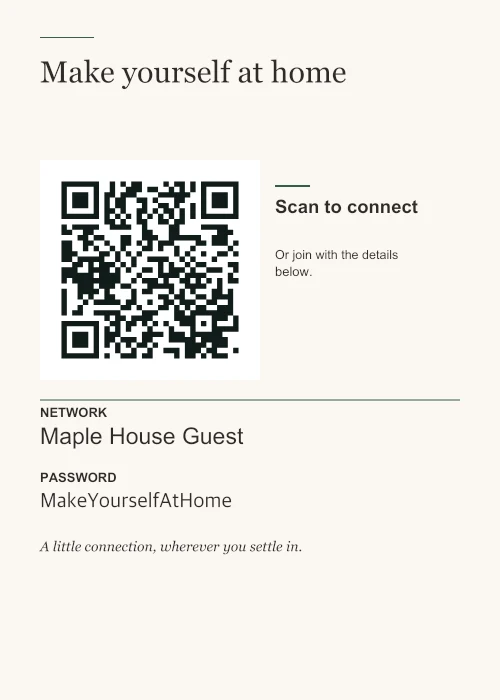
Concierge
A quiet welcome, arranged off centre.
A QR and invitation side by side, with generous full-width network details. For a guest room or reception desk.
Six originals. All free.
Compare six designs with the same network, title and paper size. Choose the one that fits the room, then customize it in the maker.
A quiet welcome, arranged off centre.
A QR and invitation side by side, with generous full-width network details. For a guest room or reception desk.
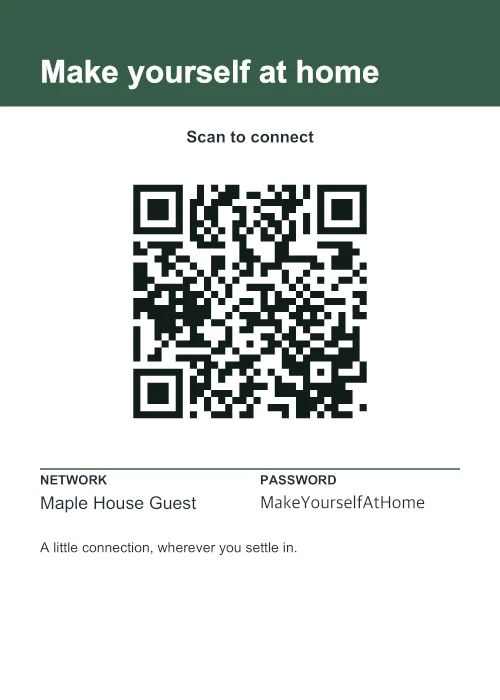
A clear sign for a busy space.
A strong title band and a large QR. Short credentials sit side by side; longer details get the full width.
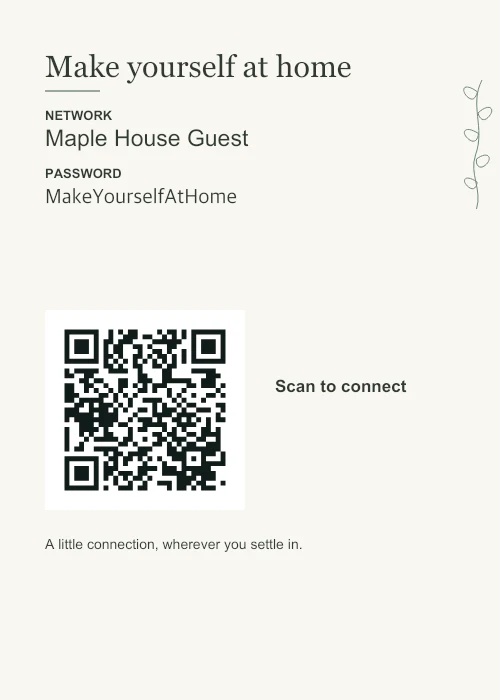
Network details first, a little nature beside them.
A fine original sprig stays at the edge. Left-aligned details lead to a separate scan area below.
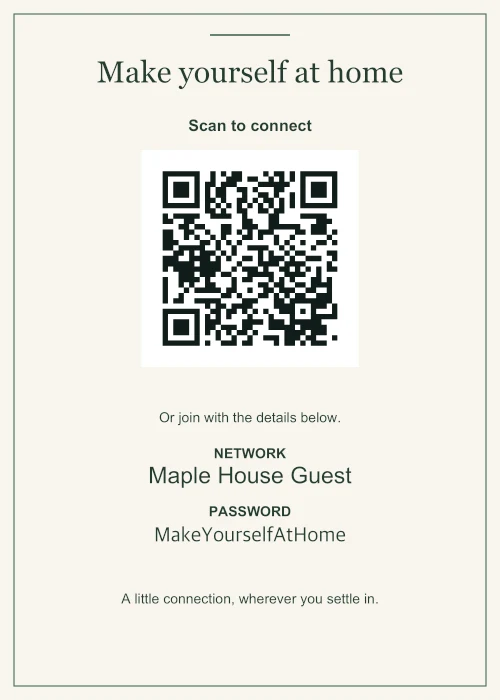
A fine frame and a quiet serif title.
For a framed print, a guest room or a softer interior.
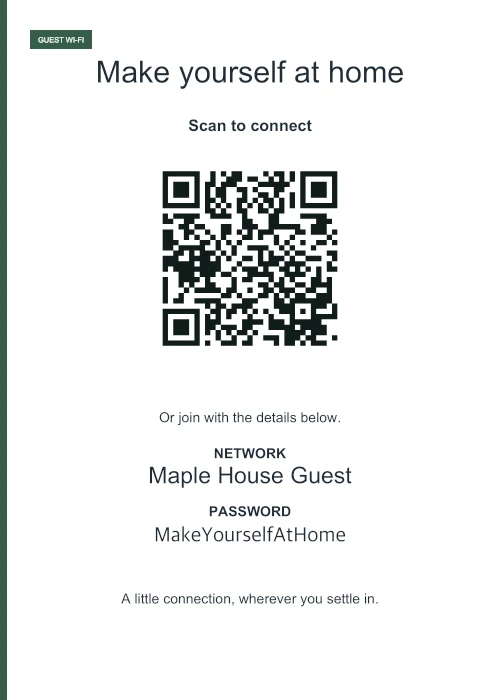
A clean edge and straightforward sans serif type.
For a reception desk, a modern rental or a shared workspace.
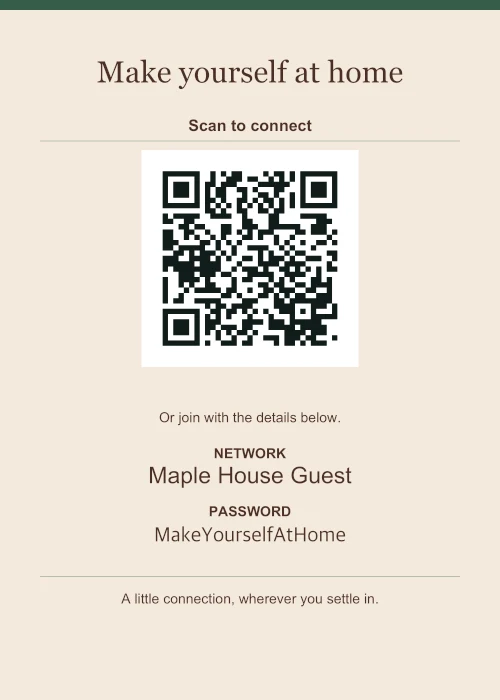
Warm paper, a serif title and restrained rules.
For a café counter or a room with a warmer palette.
All six templates include the same scannable QR and can use 4 × 6 in, 5 × 7 in, A4 or US Letter paper. Change the accent color, welcome title and short note. Add your logo away from the QR, or choose bilingual labels for English, Spanish, French or German.
The title and your note stay as you type them; the language option changes the sign’s built-in labels. PDF keeps a fixed page size. PNG has 300-PPI pixels and density metadata, while SVG uses fonts available on the device that opens it.
See these designs in different spaces or choose a size and print format.
Choose a design, replace the details, and print a copy for your space.