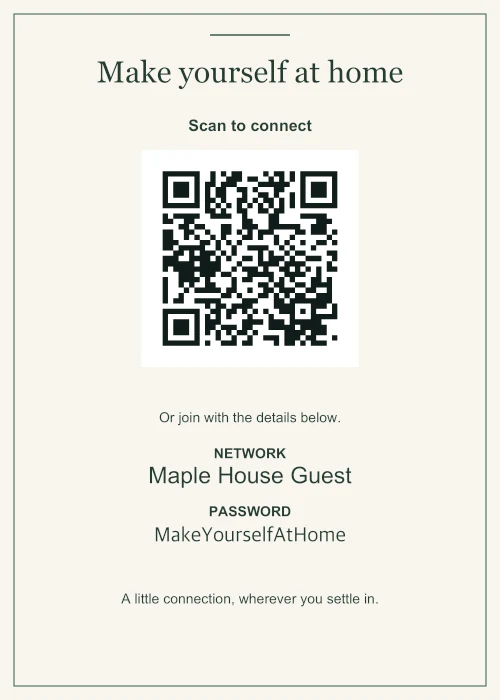
Home 5 × 7 in · Linen
A little welcome at home
A framed guest network for the hallway or spare room.
Six editable examples
Choose a starting point for your space. Replace the fictional network details, then download your sign.
All names and passwords shown here are fictional.
For a hallway, bedside table or welcome desk.
Home 5 × 7 in · Linen
A framed guest network for the hallway or spare room.
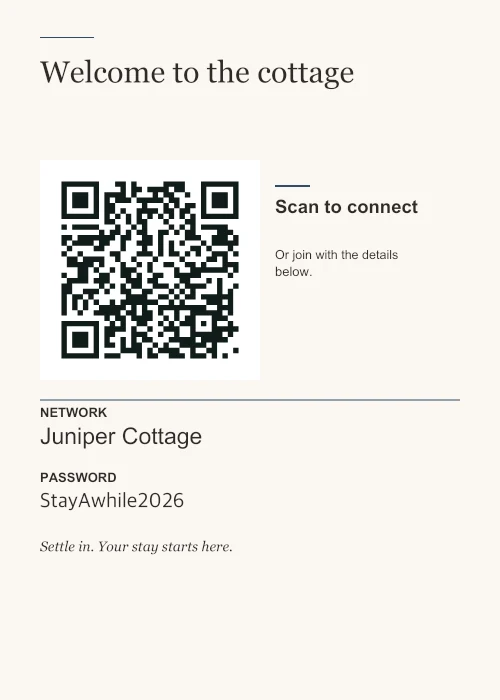
Guest stays 5 × 7 in · Concierge
Keep arrival simple with a clear network name and a manual fallback.
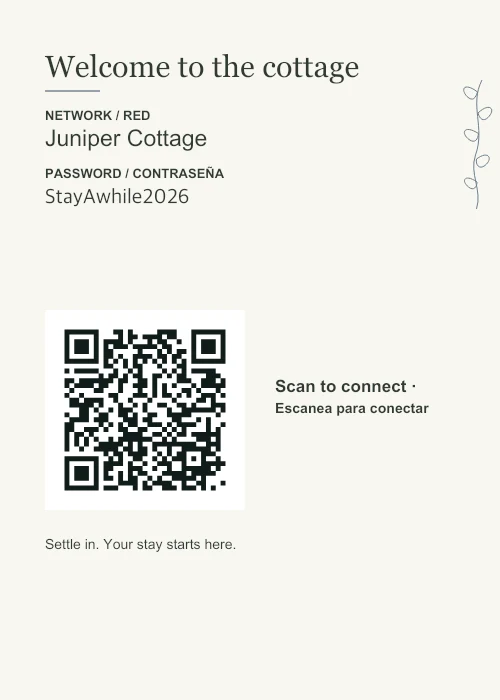
Guest stays 5 × 7 in · English + Español
English and Spanish labels share the same QR and network details.
Hosting a short stay? Plan where the sign goes and how to keep it current.
Small countertop prints and larger room signs. Choose the network settings that actually match your router.
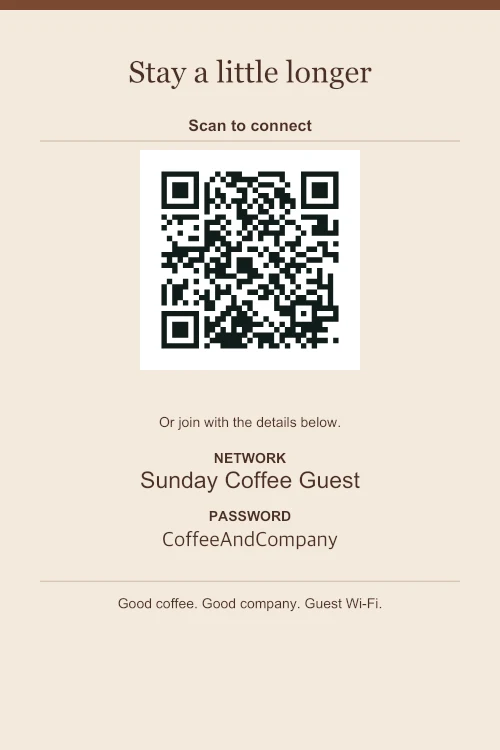
Cafés 4 × 6 in · Coffeehouse
A small tabletop print that leaves room for the coffee.
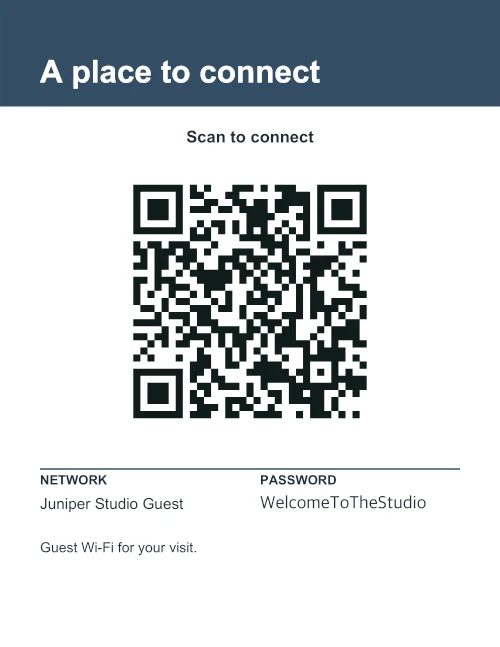
Shared spaces US Letter · Signal
A larger sign for a reception desk or shared workspace.
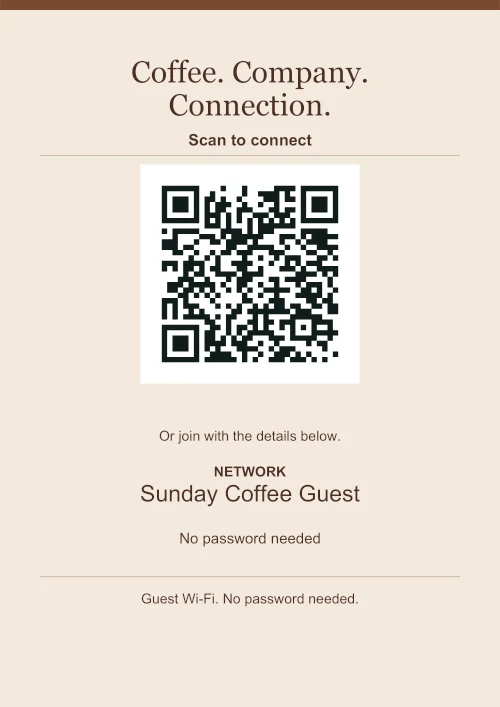
Cafés A4 · Open network
For a network that truly needs no password and no sign-in page.
The open-network example works only without a password or portal login. Check the café network options.
Every example opens with its pictured design, size and language. Those are starting choices: you can change all of them in the maker. Upload your own logo locally, or leave the corner clear.
For a fair comparison of the layouts, see the same content in all six designs. When you’re ready, use PDF and the matching paper size, then follow the printing and scan checks.
Choose a design, replace the details, and print a copy for your space.